How to Sign Up on BC.Game Mexico: Complete Guide to Creating Your Account
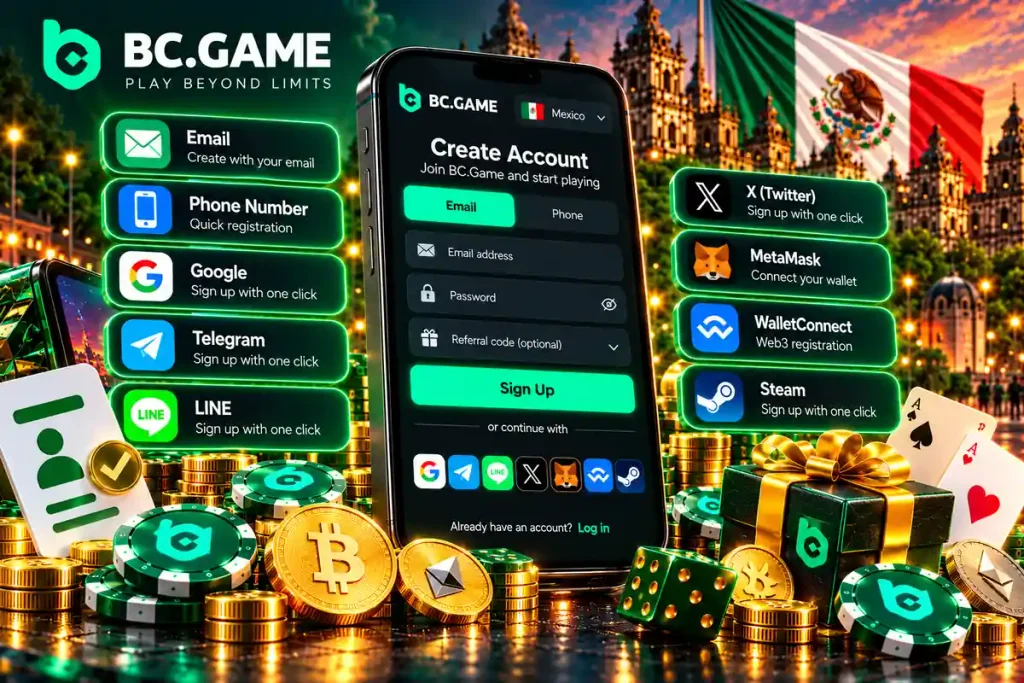
To sign up on BC.Game Mexico, all you need is an email, a cell phone number or a Google or Telegram account, and the process takes a few minutes. The only entry requirement is being 18 or older (18+). Identity verification (KYC) comes later, before the first withdrawal, and the account runs in Mexican pesos (MXN) with deposits by SPEI and OXXO. This BC Game registration walkthrough covers each signup method, the KYC documents, 2FA protection, access from Android and iPhone and the first deposit. The official BC.Game licensing page lists, for Mexico, a permit numbered DGAJS/SCEVF/P-06/2005-Ter held by PRODUCCIONES MOVILES S.A. de C.V., and it is worth checking the rules in your state before creating the account.











Structure and Methods to Complete the BC.Game Registration in Mexico
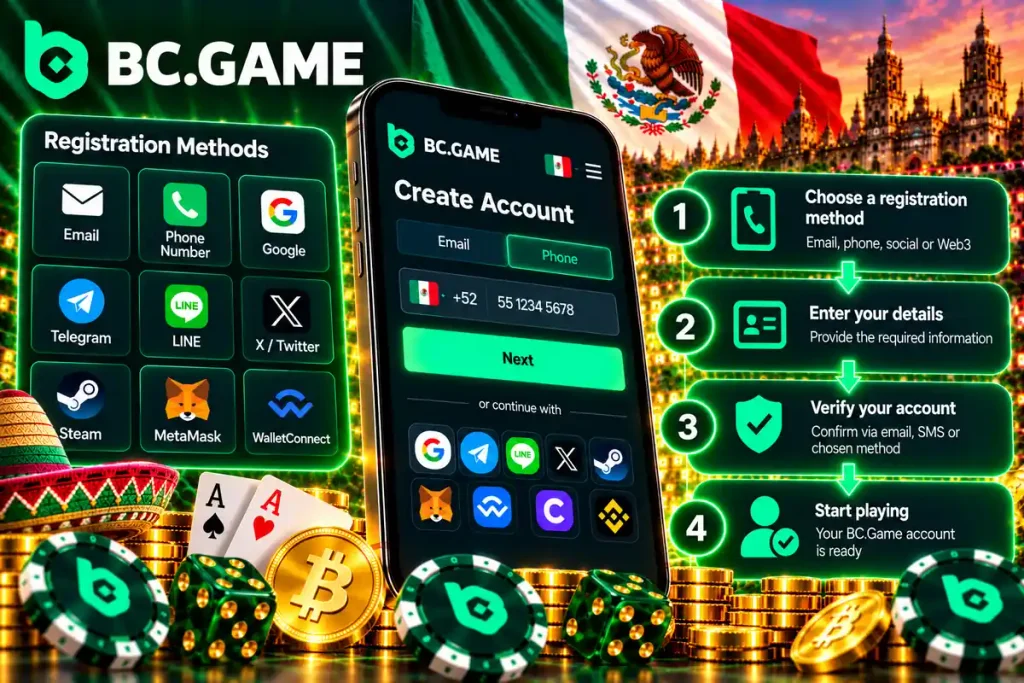
The BC Game registration offers four paths: email, phone number, social networks and, where the option is active, a Web3 wallet. All of them end in the same account, with the same peso balance and the same access to games and sports betting. The difference lies in the data requested and in how much personal information stays tied to the account. The table compares the methods before going into each step.
Comparison of Registration Methods on BC.Game Mexico
| Method | Time | Requirements | Main Advantage |
|---|---|---|---|
| A few minutes | Active email, password and confirmation code | Classic access, easy to recover | |
| Phone number | A few minutes | Mexican cell phone (+52) and SMS code | Signup from the same phone where the app will be used |
| Google or Telegram | Under a minute | Active account on the chosen service | No new password to create or remember |
| Web3 wallet (if the option appears) | Under a minute | Compatible crypto wallet | More privacy, no personal data in the form |
The times are estimates and depend on the connection and the messaging service. The signup window shows the methods that are active at any given moment. Anyone who prefers to fill in less data can choose Google or Telegram, because the form is shorter than the email one.
Summary of the Options Available to Players
Each method suits a different kind of player. These are the options:
- Email: the classic path, with your own password and a confirmation code;
- Phone number: ideal for those who use the phone as their main device;
- Social networks: access with Google or Telegram, without a long form;
- Web3 wallet: direct connection of a crypto wallet, when the option is available.
Whichever method is chosen, the email and the account alias usually cannot be changed afterward, according to the help guides, so type them carefully.
Advantages of Having an Official Account on BC.Game Mexico
An account of your own gives access to the wallet, the bet history, the promotions and support. These are the main advantages:
- A wallet with MXN balance and cryptocurrencies in one place;
- Deposits with SPEI and OXXO, and withdrawals by SPEI or bank transfer to an account in the holder’s name;
- Thousands of games, including slots, BC Originals and sports betting;
- Chat support and security tools such as 2FA;
- A single account that works the same on computer, Android and iPhone.


Detailed Structure of All Registration Types on BC.Game
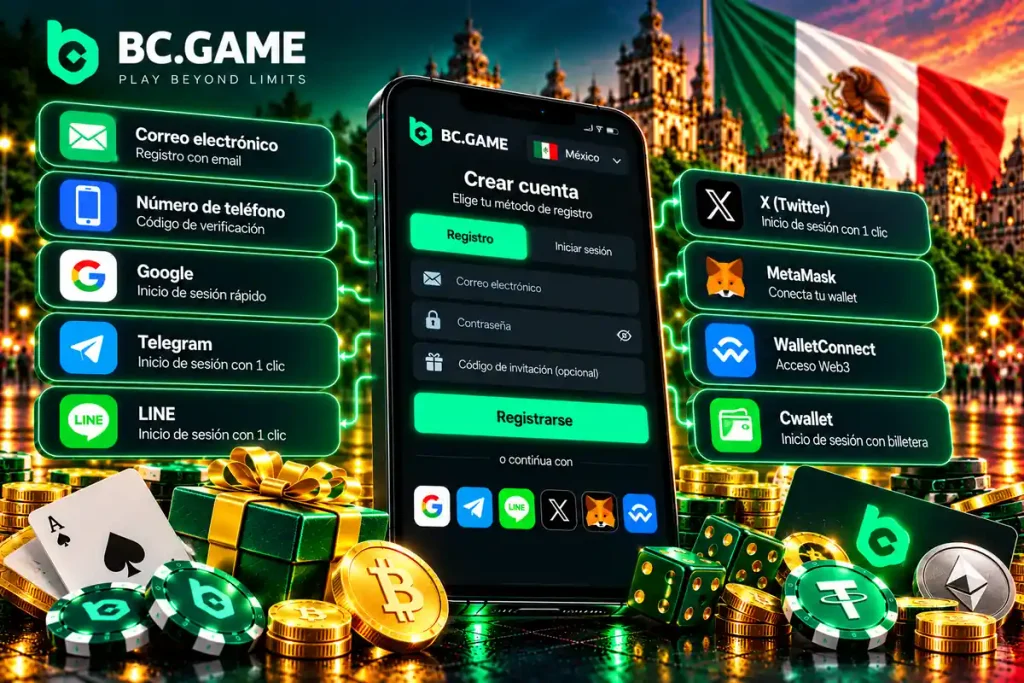
Each method has its own steps. They are explained here one by one. All of them start at the Official BC.Game site.
1. Traditional Registration by Email
Email is the most used method and the easiest to recover if access is lost. An active address is needed, because the system sends a confirmation code. A long password that mixes letters, numbers and symbols protects the account better.
2. Quick Registration by Mobile Phone Number
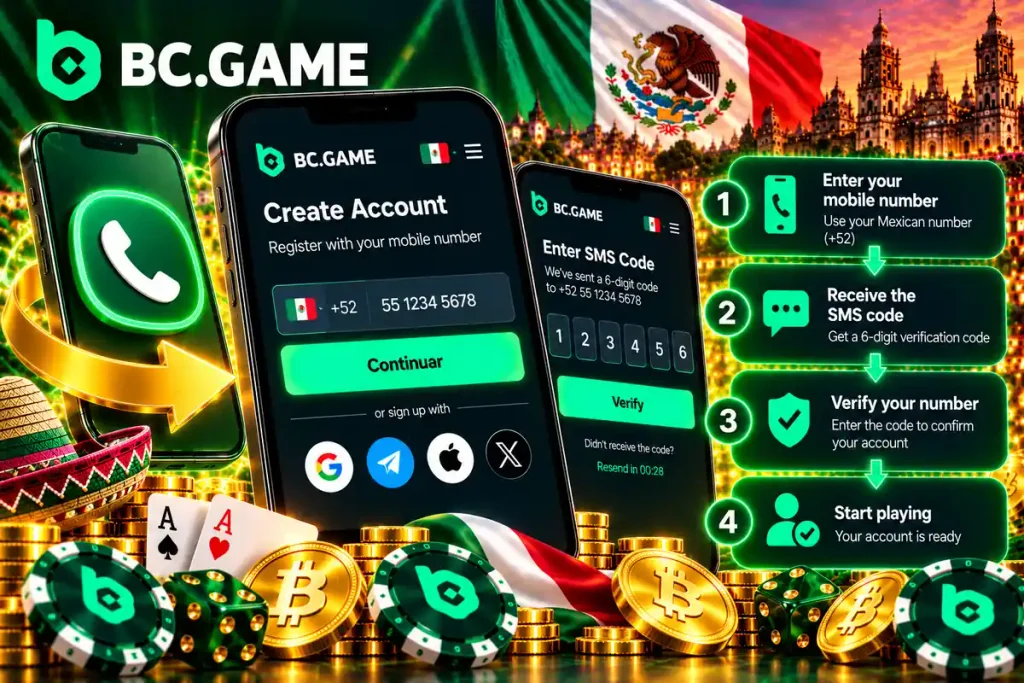
With a phone number, signup is done from the same phone that will be used to play. The form asks for the country code, which for Mexico is +52, then the ten-digit number and, if the form asks for it, a password. The system sends an SMS code that is typed on screen to confirm the number. If the message is slow, check the signal and wait a minute before requesting a new code.
3. Registration and Login via Social Networks (Google, Telegram)
Access with social networks skips the form. The platform takes the basic data of the chosen account and creates the BC.Game profile. To log in again, the same service is used.
The one-click services are these:
- Google, for those who already use Gmail on the phone;
- Telegram, for those who prefer to confirm access from the messaging app;
- WhatsApp and other services, only when the option appears in the signup window.
4. Decentralized Registration Through Web3 Wallets (MetaMask, WalletConnect)
This method is meant for those who prefer to leave as little personal data as possible. Instead of email and password, the account is linked to a compatible crypto wallet. It applies only when the option appears in the signup window; if it is not visible, use another method. When connecting the wallet, approve the signature request the wallet itself shows and read carefully which permissions are being granted. The recovery phrase of the wallet is never shared with anyone, not even support. If a page asks for that phrase during signup, it is not the official one.
Identity Verification (KYC) After Signing Up on BC.Game Mexico
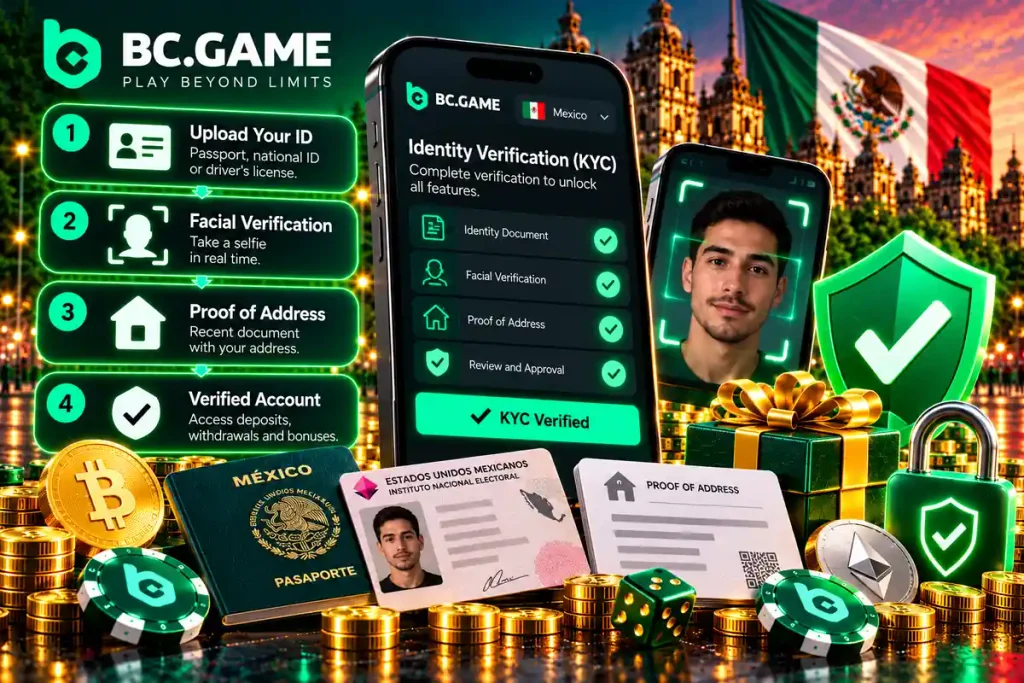
Opening the account does not require documents. KYC (Know Your Customer) verification is requested before the first withdrawal. To complete it, an official photo ID and a selfie are uploaded, and sometimes proof of address. The table summarizes the verification stages, and the exact amounts and times are shown inside the account, in the verification section.
KYC Verification Levels on BC.Game and Document Requirements
| KYC Level | Documents Required | Withdrawal Limits | Processing Time |
|---|---|---|---|
| Unverified account | None: only email, phone or social login | You can deposit and play; withdrawal stays pending verification | Not applicable |
| Identity verification | INE, passport or driver’s license, plus a selfie | Withdrawal is enabled; limits are shown in the account | Shown in the verification section |
| Additional verification (if the platform requests it) | Proof of address, such as a bank statement or a utility bill | Shown in the account | Shown in the verification section |
Verification can also reduce the wagering requirement of the welcome bonus, which drops from 40× to 30× once it is completed.
Steps to Complete Identity Verification
The process is short if the documents are at hand and legible. These are the steps:
Tips for a Successful Verification Without Delays
Rejections usually come from unreadable photos or mismatched data. These tips help avoid them:
- Take the photo in good light, without glare and with all four corners of the document visible;
- Write the name and address exactly as they appear on the document;
- Use a valid document in the account holder’s name;
- Upload a recent proof of address with the full name visible;
- Complete verification before requesting the first withdrawal, so the balance is not held up while waiting.
Security Settings and Account Protection
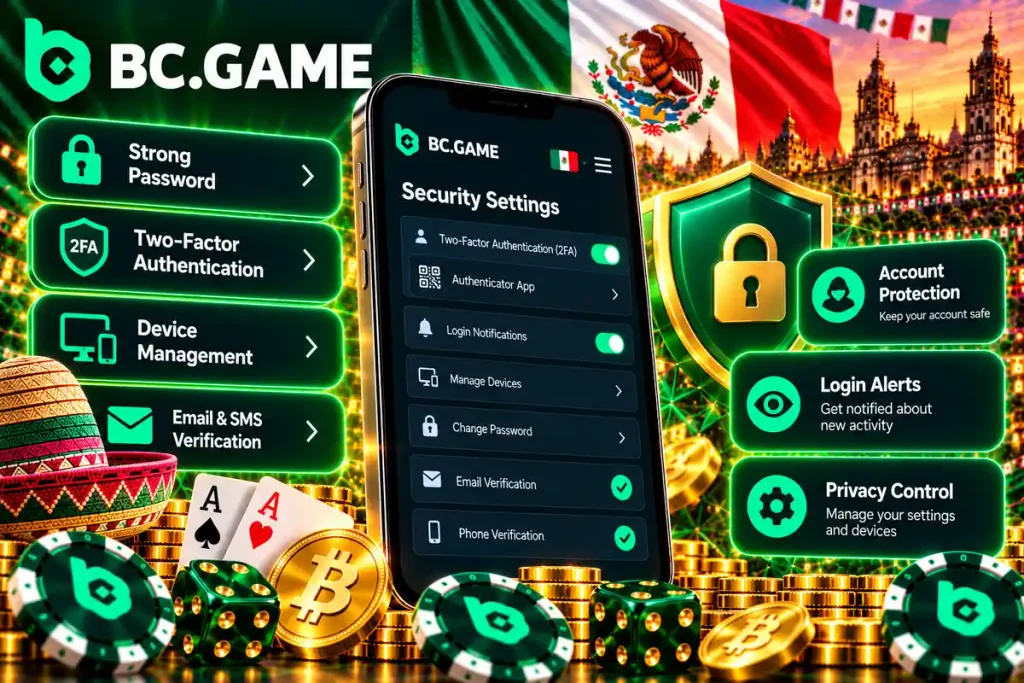
An account with a balance needs more than a password. The platform offers two-factor authentication (2FA) and several access options, and turning them on at the start avoids problems later. A password change or turning off 2FA can pause withdrawals for 24 hours as a protective measure.
Activating Two-Factor Authentication (2FA)
2FA adds an extra layer of verification with a temporary code. It is set up with Google Authenticator, a free app that generates a new code every few seconds. The steps are simple: install the app on the phone, open the account security settings, scan the QR code shown on screen and type the first code to confirm. Keep the backup key in a safe place, away from the phone, because without it recovering access is much slower if the phone is lost. Write the key down on paper or store it in a password manager, and never send it by message or email.
Good Security Practices for the User
These rules reduce the most common risks:
- Use a unique password that is not repeated on other services;
- Log in only from the Official BC.Game site and check the security padlock in the address bar;
- Keep 2FA active with Google Authenticator;
- Do not share codes, passwords or recovery phrases, not even with someone who claims to be from support;
- Avoid public Wi-Fi networks when depositing or withdrawing.
BC.Game Registration from Mobile Devices (Android and iOS)
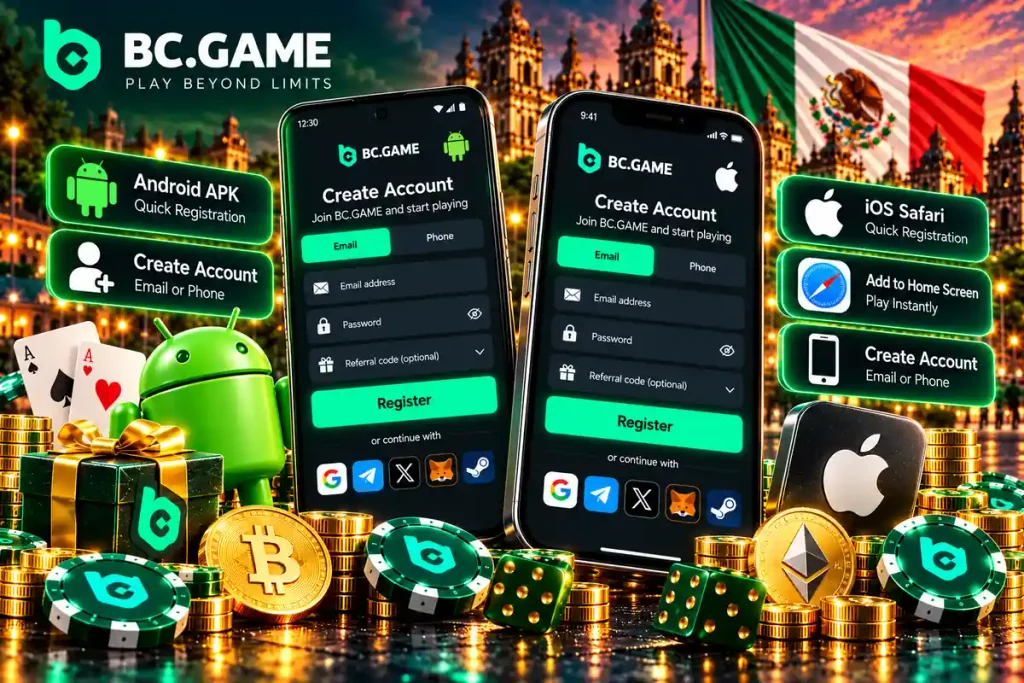
Signup can be done from the phone, and what is created there also shows on the computer. There are three routes: the phone browser, the APK file on Android and the PWA on iPhone. The login methods are the same on all three, so an account created on the computer opens on the phone with the same email, phone number or social login.
Registering Through the APK Mobile App and PWA Web App
On Android, the APK file is downloaded from the Official BC.Game site, and the system asks to turn on the permission to install apps from unknown sources for the browser used. On iPhone there is no file: in Safari, tap Share and then Add to Home Screen, which creates a shortcut that opens the site in full screen. In both cases, the Sign Up button in the app opens the same form as on the web, with the same methods, and login works the same as on a computer. An APK received through messaging or from another site should not be installed, because it may have been altered.
First Deposit After Signing Up on BC.Game Mexico
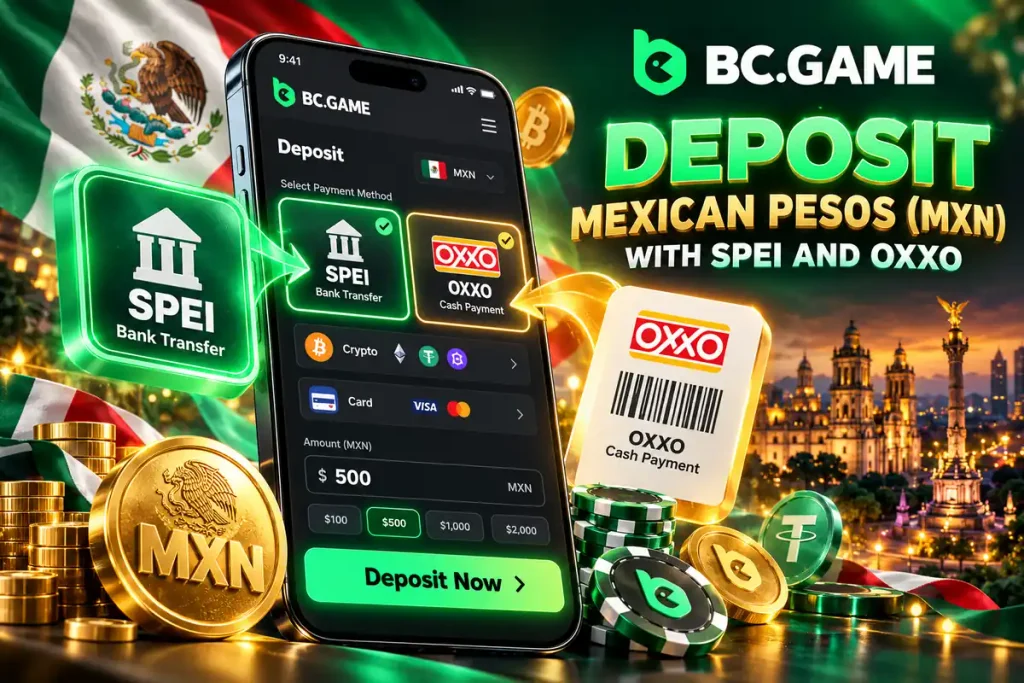
With the account created, the next step is funding the wallet. The deposit is made in Mexican pesos with SPEI, local cards or OXXO, or with cryptocurrencies. A first deposit from $90 MXN can activate the casino welcome bonus, according to the terms of the offer. The table shows the ranges of each method.
Payment Methods Available for the First Deposit (MXN and Crypto)
| Payment Method | Currency | Minimum Deposit | Processing Time |
|---|---|---|---|
| SPEI | MXN | $10 MXN | No delay if the amount matches the one generated |
| SPEI Web | MXN | Shown in the cashier | Same as SPEI |
| Local Visa and Mastercard cards | MXN | $20 MXN | When the issuing bank confirms the payment |
| OXXO, OXXOPAY and CASH | MXN | $10 MXN at OXXO; shown in the cashier for OXXOPAY and CASH | When paid at the register with the generated reference |
| Cryptocurrencies (USDT, BTC, ETH) | Crypto | Shown in the cashier by currency | Depends on network confirmations |
SPEI and local cards accept up to $50,000 MXN per deposit, and OXXO up to $10,000 MXN. Crypto deposits go to an address generated for the chosen coin and network, and funds sent on another network may not be credited.
How to Deposit Mexican Pesos (MXN) with SPEI and OXXO
Two rules prevent almost every problem: pay the amount to the peso, exactly as the site generated it, and use a new reference for each deposit. With SPEI you pay from your banking app; with OXXO it is paid in cash at the register, with no need for a bank account.
Games Available After Creating Your Account on BC.Game
With a balance in pesos the whole catalog is available, the same on the web and in the app, whatever method was used to sign up.
The catalog brings together thousands of games from providers such as Pragmatic Play and Hacksaw Gaming, plus the BC Originals Crash, Plinko and Mines. Crash can reach a theoretical return of up to 99%. RTP describes thousands of rounds, not a single session, and does not guarantee winnings.
In sports betting there are markets for Liga MX, NFL and MLB. Set a spending limit before the first session and stick to it.
Frequently Asked Questions About Signing Up on BC.Game Mexico (FAQ)
These are the most common questions before creating the account.
No. Registering on BC.Game Mexico is quick and simple. The BC Game registration is completed in a few minutes with any available method: email, phone, Google or Telegram, and a Web3 wallet if the option appears. The KYC documents are requested later, before the first withdrawal.
For the BC.Game sign-up to go through, you must be 18 or older, follow the rules of your state of residence in Mexico and provide real data, because it will be compared with your documents during account verification.
It depends on use. Registration by email or phone is ideal for everyday use, because the account is easy to recover. The social network options and, where available, the Web3 wallet give immediate access. Any of them works if 2FA is turned on and the backup keys are saved. Email or phone also make it easier to recover the account if the password is forgotten.
Yes. The BC.Game sign-up option works in the phone browser and in the app, on Android with the APK file and on iPhone with the PWA.
Notice: 18+. Play only with money you can afford to lose and check the rules on online gaming in your state before signing up.